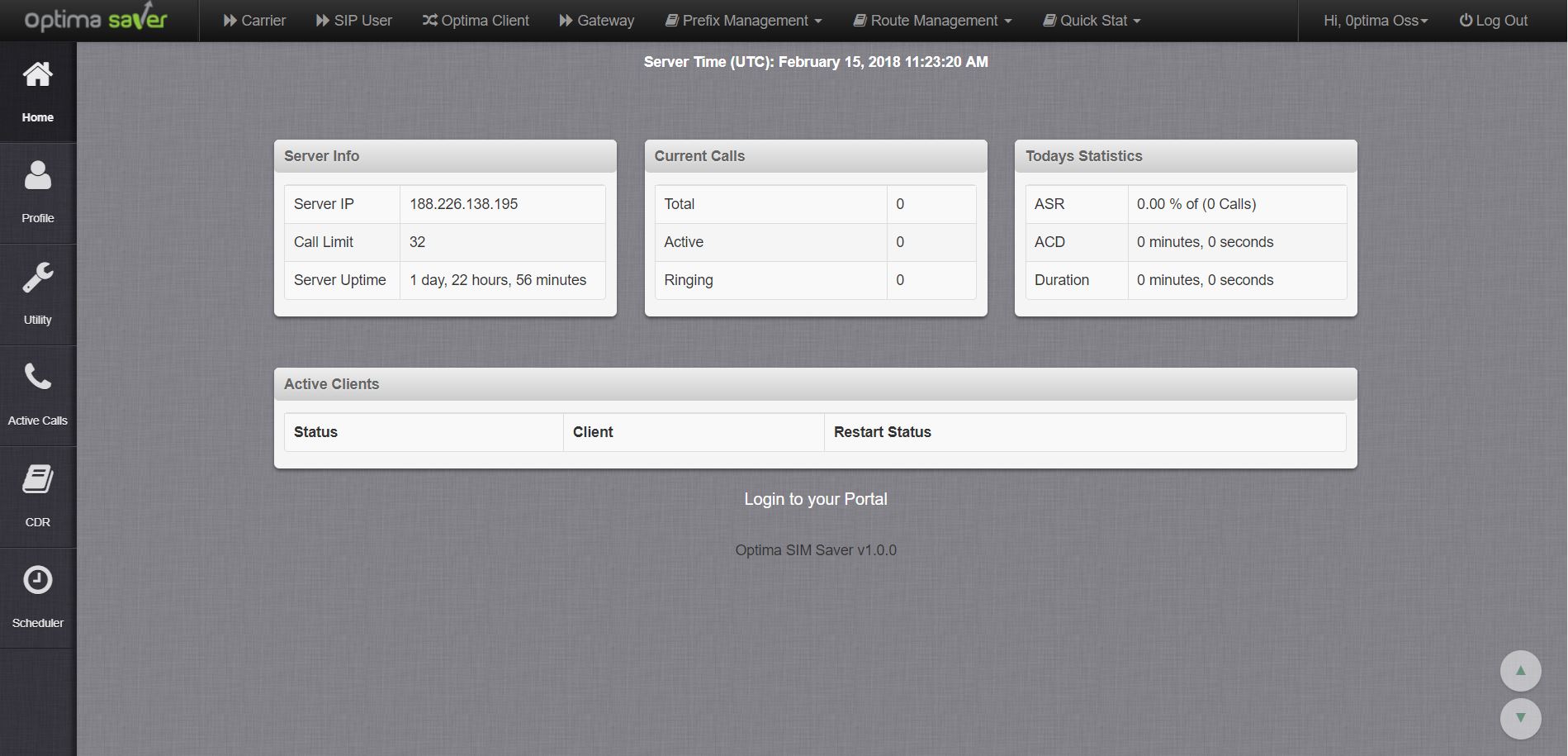
Optima Saver Customer Portal
Optima Saver Customer Portal is the control panel to manage individual service
This feature rich panel is the main controlling point to configure and manage the solution. Yours can add, modify and remove different options as they see fit in order to run business smoothly. Since this panel manages direct communication between termination end and switch end, clients can add, edit or delete their system, gateway and other information within seconds which is very convenient and cost effective for the business. In addition to this, users can view service summary in this panel.
Key Features
- Clients can see summary information about service
- Clients can manage their PC or Raspberry PI
- Add and edit termination gateway
- Manage dial plan
- Clients can get service running status in CDR page (overall and hourly)
- Clients can view live calls